Pick a colour.
Take a breath.
Color by number, fill outlines with your own shades, draw from scratch or learn a picture step by step. Four calm creative modes in one free app.
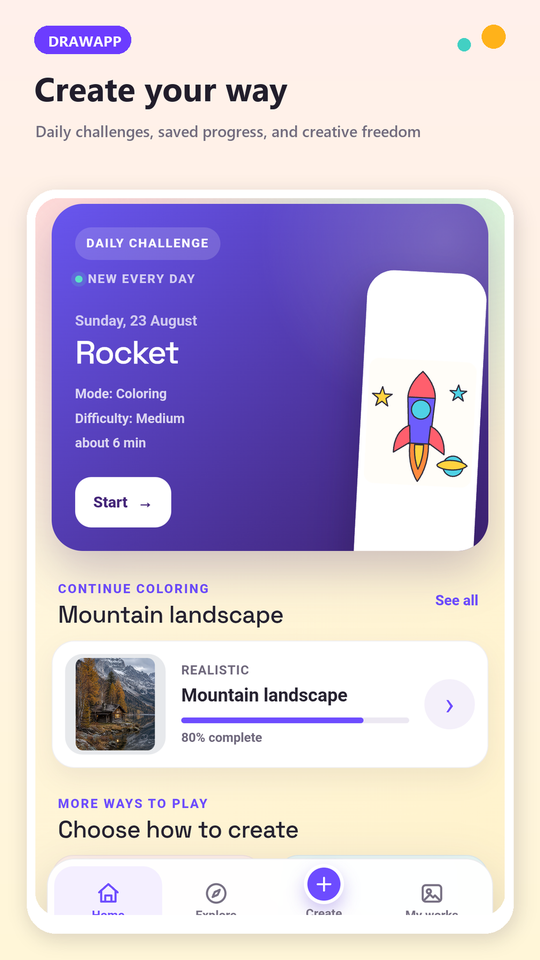
From an empty evening to a finished picture
Choose a mode
Color by number, free coloring, free drawing or drawing by steps — all on the home screen.
Pick a picture
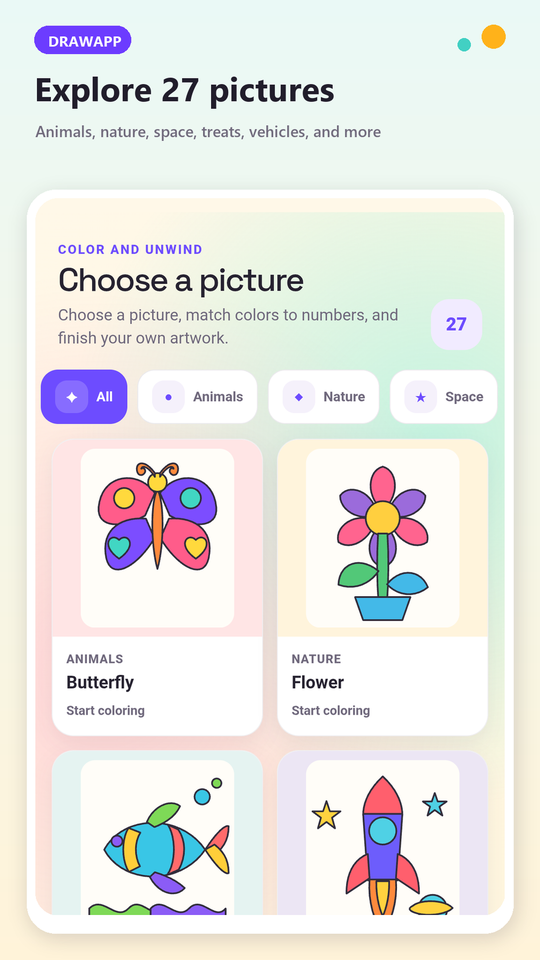
47 pictures in categories: animals, nature, space, treats, vehicles, fairy tales and realistic scenes.
Take your time
Progress saves itself after every tap. Close the app whenever you like and pick the picture up later.
Four ways to create
Color by number
Every area carries a number. Match the colour, fill the field and watch a detailed scene appear piece by piece — the calm, repetitive kind of focus that makes twenty minutes disappear.
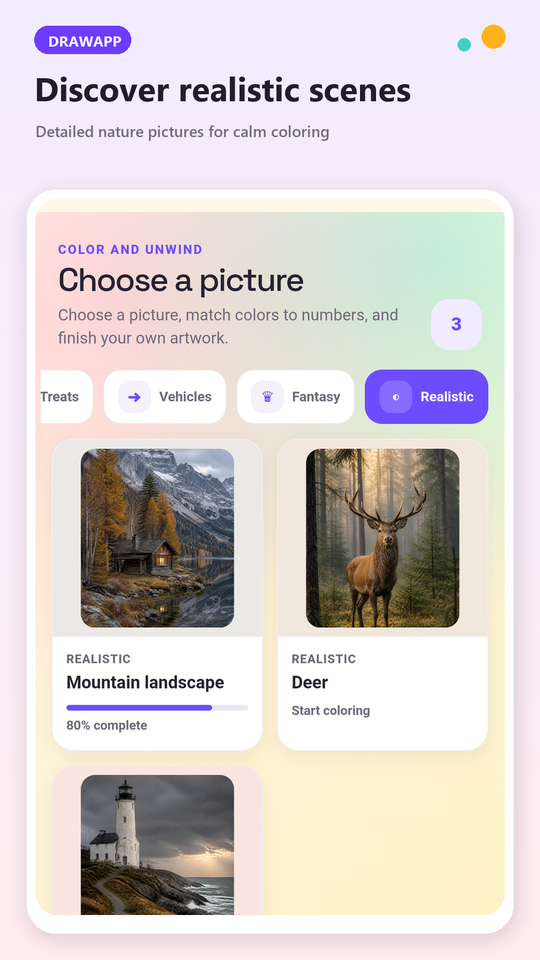
32 realistic scenes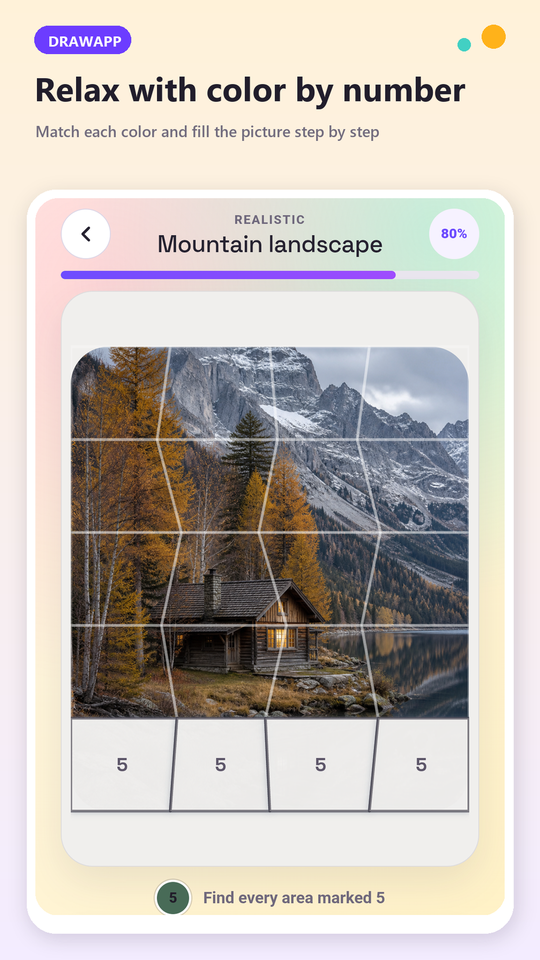
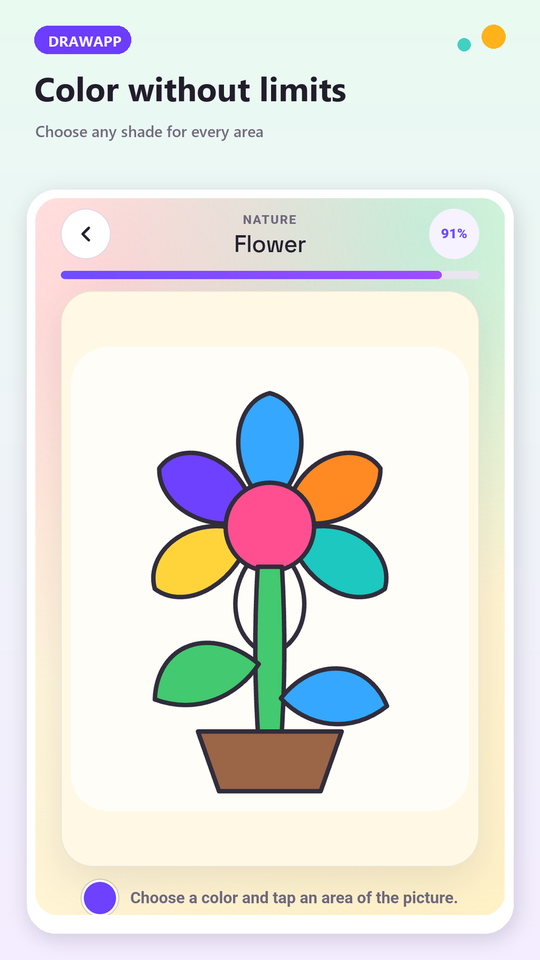
Your colours, your rules
The same ready-made outlines without a single number. Choose any shade for any area and make the picture yours — nothing to get wrong, nothing to finish.
15 outline picturesA blank canvas and real tools
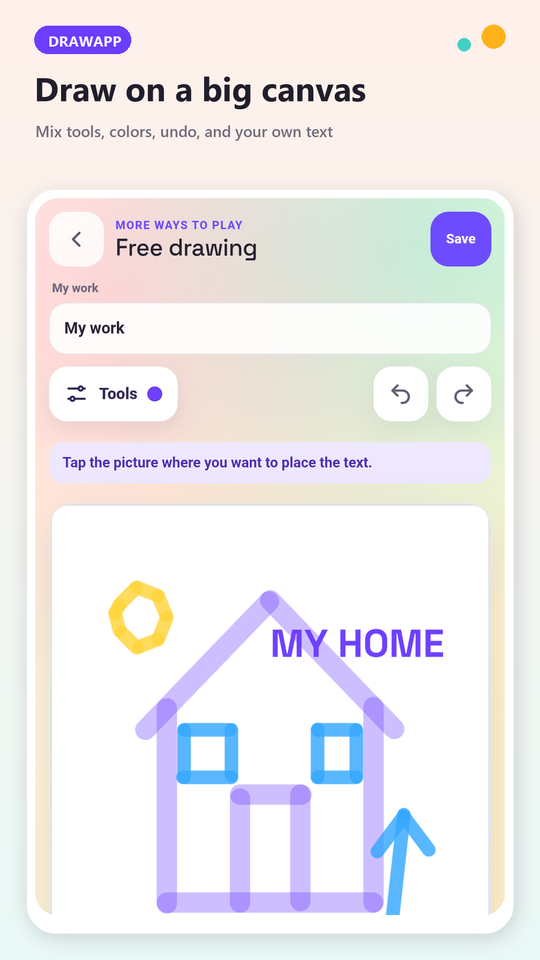
Pen, brush, marker, eraser and your own text, with adjustable line thickness plus undo and redo. Save the drawing, reopen it later, keep editing or share it.
Saved on your device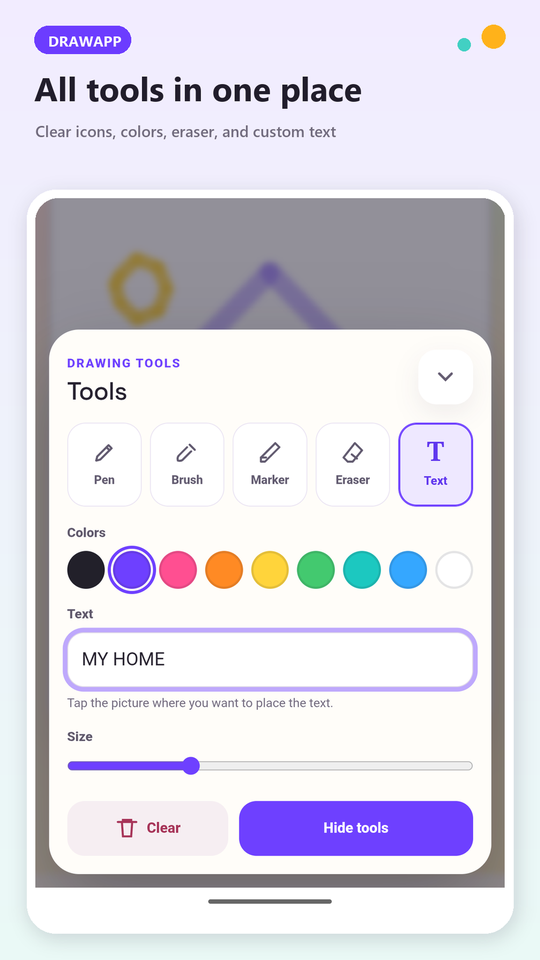
Everything under one thumb
Color by number
Numbered fields with quiet, helpful feedback.
Free coloring
Your own colours on ready-made outlines.
Free drawing
A big canvas, five tools and your own text.
Draw by steps
Learn a picture through clear stages.
Daily challenge
A new picture suggested every day.
Automatic saving
Progress is kept after every change.
My works
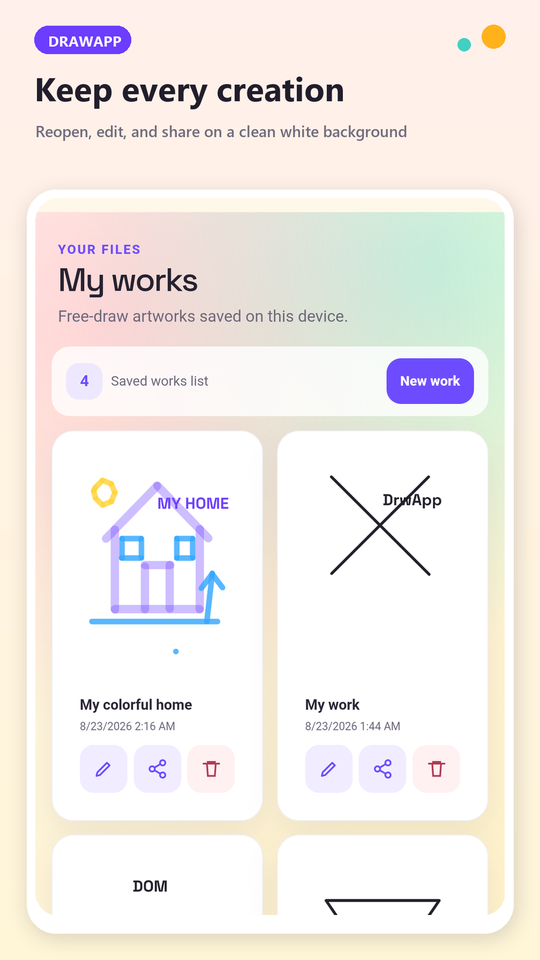
Reopen, edit, share or delete anything you made.
7 languages
English, Polish, German, Spanish, Ukrainian, Swedish, Norwegian.
Made for the twenty quiet minutes
No account, no sign-up, no levels to grind. Open it, colour something, close it.
★★★★★ Rate DrawApp on Google Play and help other people find it
See it before you install
Before you download
Is DrawApp really free? +
Yes. There are no subscriptions and no in-app purchases — every mode, every picture and every tool is available from the first launch. The app is funded by a single banner advertisement, and Google's consent form always appears before any ad is loaded.
Does it need an internet connection? +
No. Coloring, drawing and saving all work offline after installation. A connection is only used for the advertisement and for Google Play updates.
Do I need an account? +
No. There is no sign-up and no sign-in. Nothing is uploaded to a server of ours — your pictures and progress live on your phone.
Is it suitable for children? +
DrawApp is made for everyone, and coloring by number is a natural fit for children. There is no chat, no user profiles and no way for anyone to contact you inside the app.
What happens to my drawings if I change phones? +
Android Auto Backup is enabled, so your app data can be restored from your own Google Drive backup when you reinstall the app or set up a new phone. You can also share any finished picture as an image.
What does the app do with my data? +
Your drawings, titles and coloring progress stay in a local database on the device. We do not collect them and we never use them for advertising. The details are in the privacy policy.
Colour something today
Four modes, 47 pictures and a blank canvas — free on Google Play.